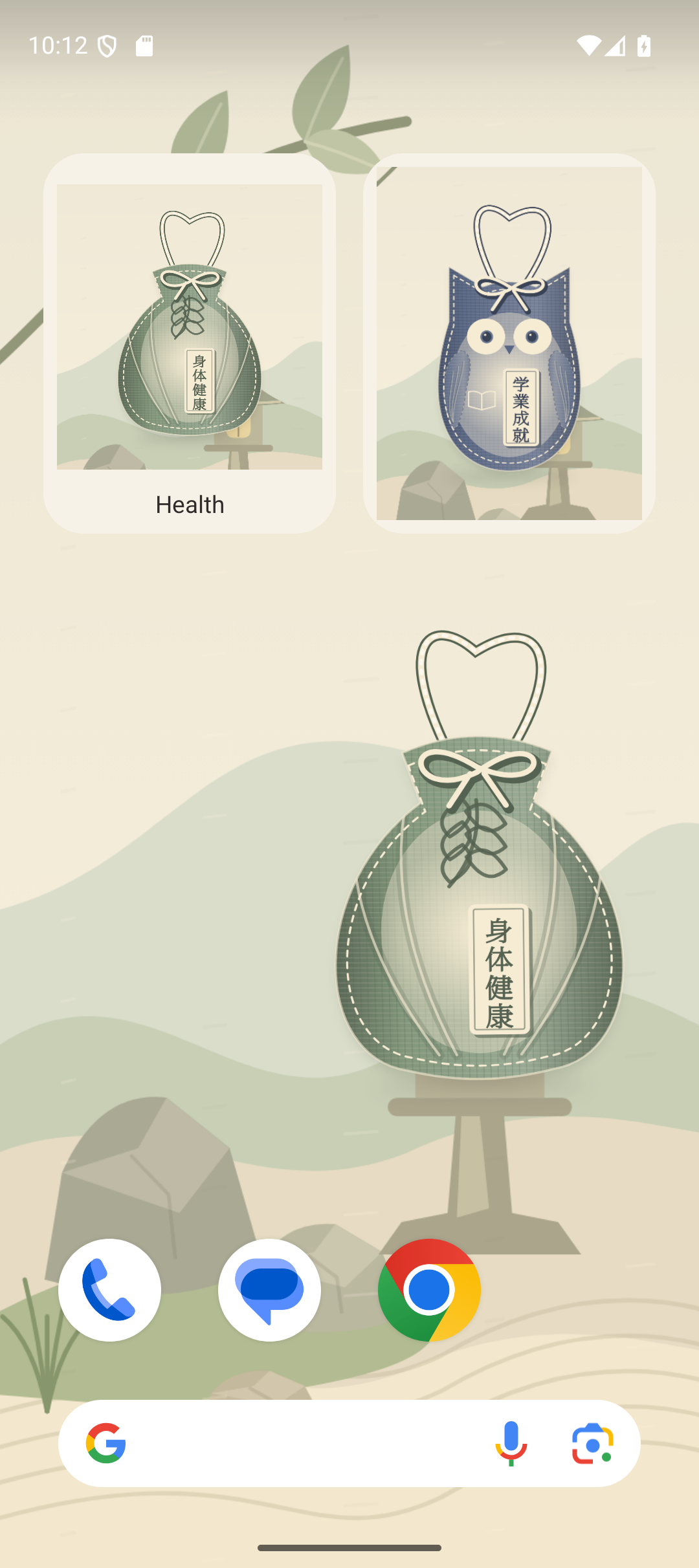
How to add a Mori widget on Android
Add a Dear Mori widget to an empty spot on your Android home screen to keep your companion in view. Start by choosing a Mori in the app.
Choose a place for your Mori
Try the home screen you see when you first unlock your phone. Leave room beside a familiar app so you can spot your Mori without swiping to another page.
Add the widget
- In Dear Mori, open the carry options and choose Add a widget. Follow your launcher’s prompt to place it.
- If your launcher asks you to add it manually, touch and hold an empty area of the home screen, open Widgets, and find Dear Mori. Hold the widget and move it into place. Launcher labels can vary.
- Return to the home screen to check the placement. If there is too little room, try a different home screen page. You can keep your current wallpaper.